
The Ultimate Package Download
New to Mozilla Firefox? New to the chance to kit out your web browser? Well did you know that you are more likely to spend more time on the internet that you are on the…
New to Mozilla Firefox? New to the chance to kit out your web browser? Well did you know that you are more likely to spend more time on the internet that you are on the…

As promised here is the unpacking video for the higher priced Asus M51Va notebook intended to hit the middle to upper class area. It has perfect specifications for gamers and does a great job in…

Sorry for the great delay of this review, I was very busy lately working on a new website project for downloading drivers, DriverLot.com. It’s been some time since I’ve published the Asus X51L unpacking video so now you can read the full review finally.
Design
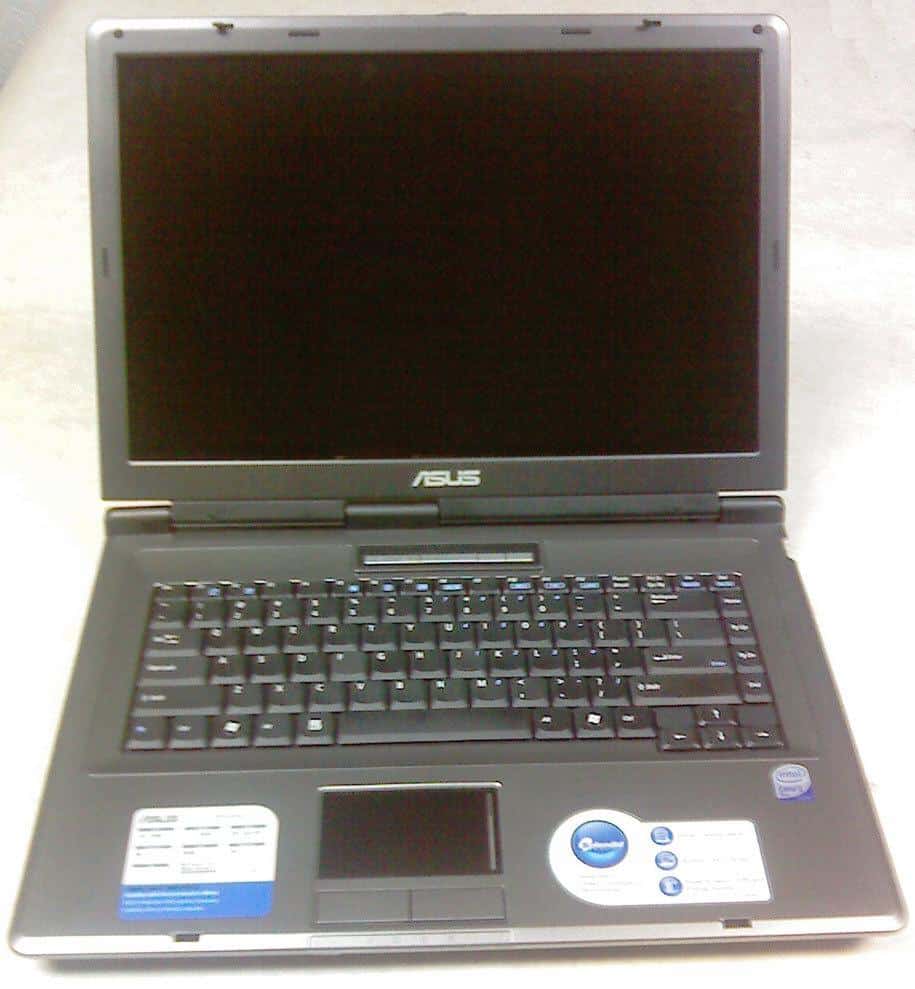
The notebook chassis is a typical for the lower and middle class Asus notebooks, sharp edges, not too thin, not too thick, mostly silver with black around the 15.4″ wide monitor. Simple yet good looking, a much better design than most of the notebooks in this class.
Inside it’s pretty straightforward, a nice keyboard with good response, no keypad which is good because the large touch-pad is placed right in the middle. It’s simplicity is dominating inside also, but the usefulness can be noticed while using it. There are also the hotkey buttons for power up, wireless switch and a power4gear mode switch which are nicely placed on line above the keyboard and have a blue led light in them.
It weights about 6.5lbs (or 2.94kg) with the battery, which is still not bad for a notebook of this class. The length of the legs are not that high, but enough to provide good airflow to cool the Core2Duo processor. What I like about this notebook is that is quite firmly made. The monitor is connected with the chasis with three hindges and there is no way that it can brake with excessive use.